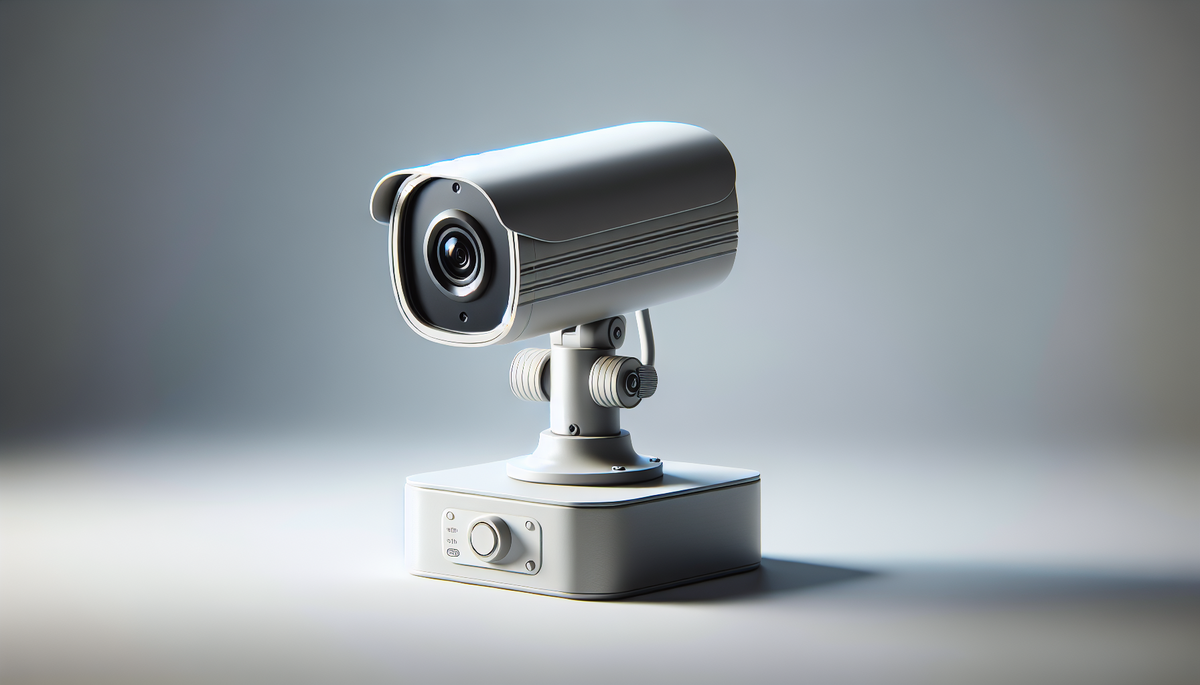
🎨 AI-generated illustration (EU AI Act 2026) — does not represent the actual appearance of the product. See the Amazon listing for official photos.
🔗 Affiliate links : Some links on this page are Amazon affiliate links. As an Amazon Associate, we earn from qualifying purchases.
Get our best picks
Every week, our Amazon comparisons directly in your inbox.
No spam. Unsubscribe in 1 click.
Introduction
Installing a security camera in a home office isn’t just about “monitoring.” It’s mainly a way to feel more at ease, protect your equipment, and keep an eye on what’s really happening at home when you’re not there. Whether you work from home, run a small business, or store important documents, a good camera can make all the difference.
But between indoor models, outdoor cameras, “cloud” options, motion detection, and storage questions, it’s easy to get lost. The idea here is to help you choose the ultimate setup for your home office, without getting bogged down in technical details.
- Image quality and night vision: Good resolution helps you recognise a face or a detail. For evenings, choose clear night vision (and ideally strong infrared lighting or an equivalent technology).
- Reliable detection (motion, person, zones): The best cameras avoid alerting you for every shadow or moving curtain. Look for person detection and the ability to define activity zones.
- Field of view and positioning: A camera that is too “zoomed in” can miss part of the room. On the other hand, an ultra-wide angle can make the image less usable. The ideal setup is a good balance based on the size of your office.
- Two-way audio: If you want to deter someone or communicate (for example with a delivery driver), two-way audio is a real plus. Even a simple microphone/speaker can change how you use it day to day.
- Storage: Check what’s offered: local storage on a card, cloud storage, or both. Also consider retention time and how easy it is to access recordings.
- Stable Wi‑Fi connection: A camera that drops out is frustrating. If your office is far from the router, see whether the model offers good range, or consider a better location (or a stronger network).
- Useful notifications: The goal isn’t to be bombarded. Choose a camera that sends relevant alerts, with settings for schedules, sensitivity, and zones.
- Easy installation: You want it up and running quickly. Models with a clear app, on-screen guidance, and simple setup are often the most satisfying.
- Privacy and security: Choose brands that clearly explain data handling, encryption, and privacy options. And keep in mind: a strong password is non-negotiable.
- Compatibility and ecosystem: If you already use a smart home hub or voice assistants, check compatibility to keep the experience smooth.
Avantages
A camera for a home office offers several concrete benefits. First, there’s prevention. The simple presence of a visible device can discourage certain behaviours. Then there’s evidence: in the event of a problem (theft, break-in, damage), having recordings can help clarify what happened.
There’s also a practical side that’s often underestimated. You can monitor parcel deliveries, check whether someone has stopped by, or simply see what’s happening in your workspace when you’re away. And if you choose a camera with person detection, you avoid unnecessary alerts that eventually make you ignore all notifications.
Finally, peace of mind matters a great deal. Working in a secure environment means more focus. You’re not constantly thinking, “what if…?” You know you can check when you need to.
FAQ
Q?
Which camera is best for a home office: indoor or outdoor?
Q?
For a home office, an indoor camera is often ideal if you want to monitor a specific room (door, window, work area). An outdoor camera is useful if you want to cover the perimeter (entrance, yard, driveway). The choice mainly depends on what you want to protect.
Q?
Do you absolutely need a cloud subscription?
Not necessarily. Some cameras work with local storage on a card, which may be enough for office use. Cloud storage can be useful for easier remote access to videos and to avoid relying on a local card, but it all depends on your budget and your comfort level with data.
Conclusion
The “best” choice for a home office security camera is the one that fits your daily routine: sharp image quality, smart alerts, suitable storage, and easy installation. Take the time to think about your setup (room size, door position, distance to Wi‑Fi, level of detail you want). Then you can truly enjoy everyday security, without unnecessary stress.
In short: aim for clarity, reliability, and relevant notifications. Once it’s set up, what you’ll gain most is… peace and quiet.