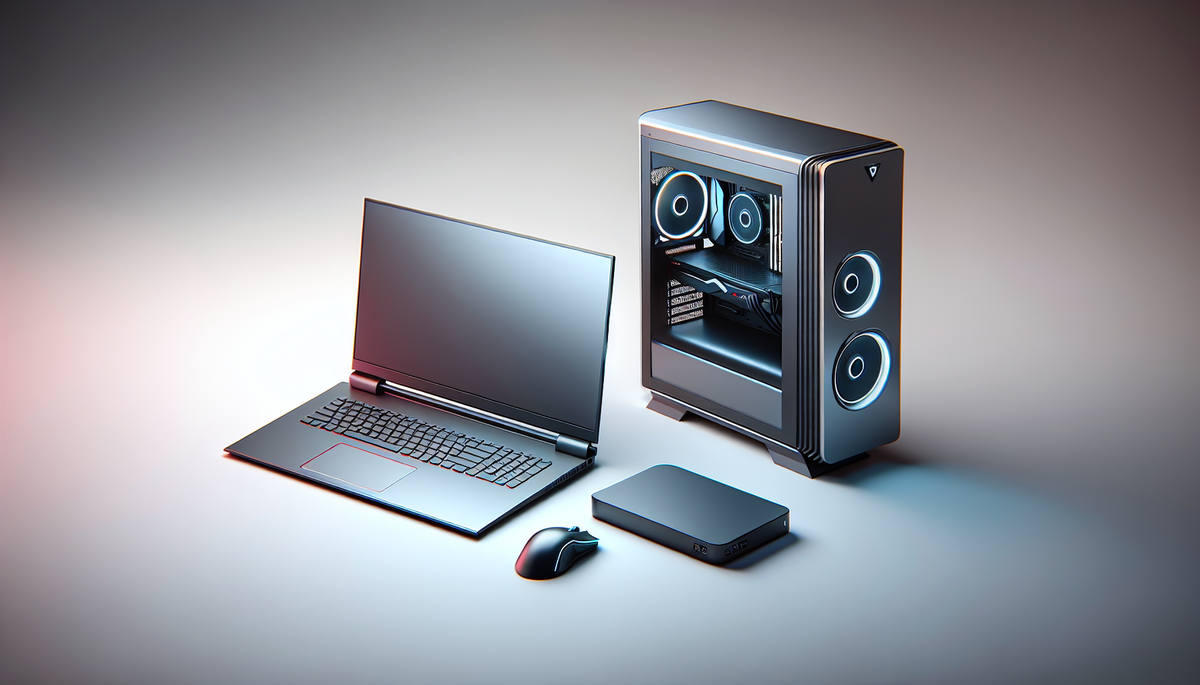
🎨 AI-generated illustration (EU AI Act 2026) — does not represent the actual appearance of the product. See the Amazon listing for official photos.
🔗 Affiliate links : Some links on this page are Amazon affiliate links. As an Amazon Associate, we earn from qualifying purchases.
Get our best picks
Every week, our Amazon comparisons directly in your inbox.
No spam. Unsubscribe in 1 click.
Introduction
You want to play seriously in tournaments, not just “run” a game. And that brings up a question that comes up all the time: gaming laptop or gaming PC? Both can be formidable. But depending on your play style, your budget, and how much you move around (or don’t), the best choice isn’t the same.
In short: a desktop PC is often the king of performance and upgrades. A laptop, on the other hand, wins on portability. And in tournaments, the difference can be felt as much in FPS as in peace of mind before you start the match.
Selection criteria
- In-game performance (stable FPS): in tournaments, what matters is consistency. A desktop PC generally offers more headroom to maintain good frame rates, especially in very fast-paced competitive games.
- Cooling and noise: laptops heat up faster, and their fans can become noisier. In a tournament venue, you want a reliable setup, not a machine fighting the temperature.
- Display and latency: look at the screen quality (refresh rate, response time) and whether you can benefit from the best possible configuration. For tournaments, good responsiveness is a real advantage.
- Upgrade potential: on a desktop PC, you can often easily replace the graphics card, add RAM, and improve storage. On a laptop, that’s sometimes limited, or more expensive.
- Weight and transport: if you travel often, a gaming laptop can save you a lot of hassle. You carry one machine, and avoid the headaches of transporting a tower and cables.
- Setup convenience: in tournaments, you sometimes have limited space. A laptop plugs in quickly. A desktop PC may need more room… but it’s also easier to optimise with a good external monitor.
- Connectivity: check the video outputs, the number of USB ports, and whether you can easily connect your keyboard/mouse, a headset, and possibly an external monitor.
- Long-term reliability: a stable machine that doesn’t crash and doesn’t overheat is worth its weight in gold. Tournaments are often long, so you want to avoid unpleasant surprises.
Advantages
The gaming PC for tournaments is the “performance without the stress” option. In general, you get:
- Better performance-to-price ratio: you pay more for raw performance, less for compactness.
- More thermal headroom: the machine breathes better, so performance stays more stable.
- Upgradability: you can improve your setup over time instead of replacing everything at once.
- Ability to use a dedicated monitor: you can choose a monitor built for competitive play, and keep the laptop for later if needed.
The gaming laptop, meanwhile, has a very practical advantage: you can play wherever you want. Its strengths:
- Portability: you arrive, plug in, and you’re good to go. No need to carry a monitor, a tower, or deal with cables everywhere.
- Quick setup: in tournaments, every minute counts. A laptop often reduces setup time.
- All-in-one setup: keyboard, screen, controls… even if you use an external monitor, you still have a simple base to transport.
- Less logistics: if you travel a lot, that’s real comfort.
So, which should you choose? If you’re often on-site, with a stable setup and a controlled environment, the desktop PC often has the edge. If you move around a lot and want a machine that’s ready to go, the gaming laptop may be the smartest choice.
The most important thing is to aim for a configuration that matches your games. For example, for competitive FPS titles, a good display refresh rate and controlled latency matter just as much as raw power. And for heavier games, thermal stability quickly becomes a decisive factor.
FAQ
Q? Can a gaming laptop really compete with a desktop PC in tournaments?
Yes, especially if you choose a well-cooled model with a responsive display. The difference often comes down to long-term stability and upgrade flexibility, but a good laptop can absolutely be competitive.
Q? What matters most for winning in tournaments: FPS or the screen?
Both matter. But in practice, a responsive screen (high refresh rate, good response) gives you an immediate advantage, especially in fast games. Then you want FPS to stay stable enough for the screen to keep up without stuttering.
Q? Is a desktop PC more reliable than a laptop for long sessions?
Often, yes. A desktop PC generally handles heat better and can maintain performance for longer. That said, a quality laptop with good ventilation can also hold up very well—as long as you don’t let it suffocate (flat surface, good airflow).
Conclusion
If you want a simple answer: gaming PC for stable performance, easy upgrades, and the comfort of long sessions. gaming laptop for mobility, quick setup, and peace of mind when you’re on the move.
The “right” choice is the one that fits your daily life. But keep one golden rule in mind: for tournaments, aim for stability. A setup that overheats, stutters at the wrong moment, or takes too much configuration can cost you more points than the “best” benchmark score.
So, do you play more in nomad mode or with a fixed setup? Depending on your answer, you already have half the verdict.