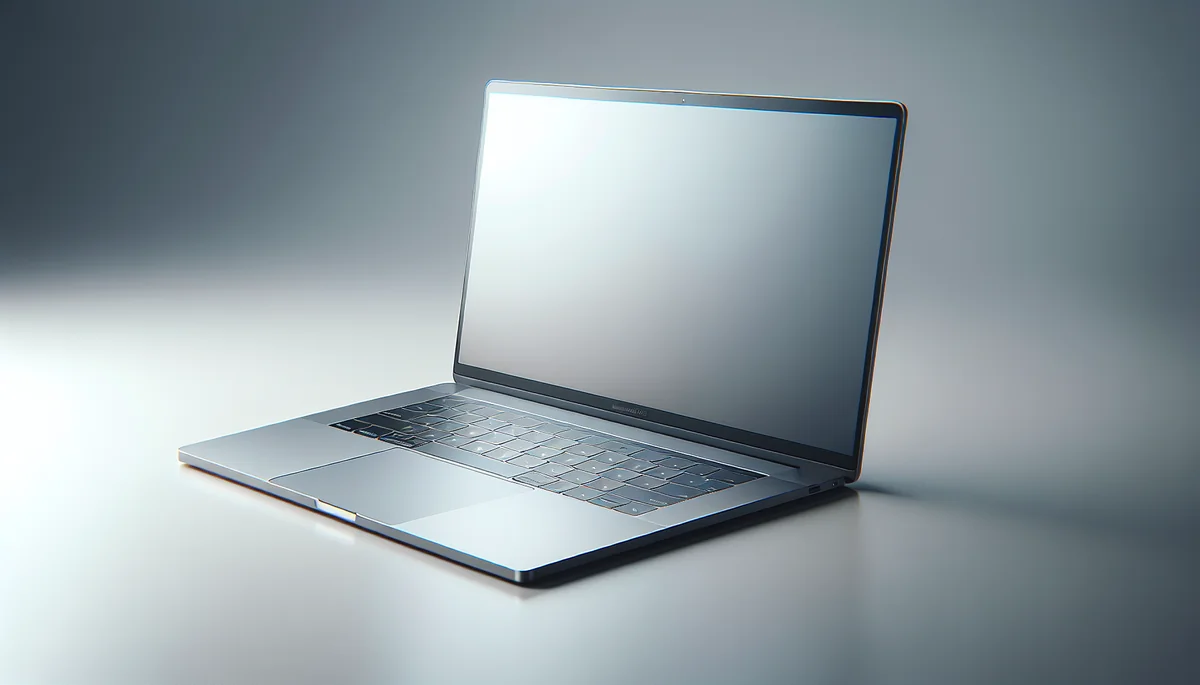
🎨 AI-generated illustration (EU AI Act 2026) — does not represent the actual appearance of the product. See the Amazon listing for official photos.
🔗 Affiliate links : Some links on this page are Amazon affiliate links. As an Amazon Associate, we earn from qualifying purchases.
Get our best picks
Every week, our Amazon comparisons directly in your inbox.
No spam. Unsubscribe in 1 click.
Introduction
Between a laptop and a desktop PC, the choice can seem simple… until you start wondering: “What if I work wherever I want?” or “What if I want silence and power without compromise?” In reality, it all depends on your day-to-day life: how you use it, how much space you have at home, your budget, and even how much you move around (or don’t) with your machine.
Good news: there isn’t one universal “best” option. There’s the best choice for you. So let’s sort it out together, simply, to help you decide.
Criteria for choosing
- Mobility: this is the number one point. A laptop follows you to the living room, the office, on the go, or even to the couch. A desktop PC stays put, but in return it often offers more comfort to use.
- Performance: in general, a desktop PC can be more powerful for the same price, especially if you’re considering demanding use (gaming, video editing, creation, heavy calculations).
- Upgradability: on a desktop, it’s easier to change the graphics card, add RAM, replace storage… On a laptop, that’s sometimes limited, and it depends a lot on the model.
- Cooling and noise: desktop towers have more room to dissipate heat. As a result, they can be quieter at equal power. Laptops run hotter, especially under load.
- Screen and comfort: a desktop lets you choose a good monitor (size, resolution, ergonomics). With a laptop, you’re often “stuck” with the built-in screen, unless you add an external monitor.
- Battery life: if you want to work without a power outlet for a long time, the laptop wins. A desktop, on the other hand, requires a stable power supply.
- Connectivity: a desktop PC often offers more useful ports (USB, audio, network, etc.). Laptops do their best, but some models are more limited.
- Budget: for similar performance, a laptop can cost more. But it can also “replace several purchases” if you don’t need an external monitor or if you move around a lot.
- Simplicity: for someone who wants to “plug it in and forget it,” a laptop can be more practical. A desktop sometimes requires a bit more initial setup.
Advantages
Laptop: everyday freedom. If you switch between several rooms, if you sometimes work elsewhere, or if you like being able to take your machine with you, the laptop is hard to beat. It’s also very practical for students: classes, libraries, commuting… You gain flexibility without having to manage a full setup.
On top of that, many current laptops are very efficient for everyday tasks: browsing, office work, video calls, studies, and even some gaming or content creation depending on the configuration. And if you have a good external monitor, you can turn your laptop into a home “station” whenever you want.
Desktop PC: power, comfort, and room to grow. For those looking for lasting performance, a desktop is often the smartest choice. You benefit from better cooling, easier upgrades, and generally a better performance-to-price ratio. It’s also the most comfortable option if you sit for long periods: larger screen, suitable keyboard/mouse, and the ability to arrange your space however you like.
If you do video editing, photo retouching, graphic design, or if you game regularly, a desktop PC gives you more flexibility. You can adjust the machine over time instead of replacing the whole computer at once.
FAQ
Q? What is the best choice for working from home?
If you work from several places or need to travel, a laptop is generally more practical. On the other hand, if your workspace is fixed and you want more comfort (screen, noise, ergonomics), a desktop PC will often do better.
Q? Can a laptop replace a desktop PC?
Yes, in many cases. For office work, classes, video calls, and even some creative tasks, a well-configured laptop is enough. But for very demanding uses and easy upgrades, a desktop remains more advantageous.
Q? What should you look at first before buying?
Start with your actual use: office work, studies, gaming, creation. Then check the RAM, storage (ideally an SSD), and the overall quality of the machine. For a laptop, also look at battery life and the cooling system. For a desktop, think about upgrade potential and the connectivity you need.
Conclusion
So, laptop or desktop PC: which should you choose? In short, choose a laptop if you want mobility, use it “everywhere,” and a simple setup. Choose a desktop PC if you’re looking for power, long-term comfort, and the ability to improve your setup easily.
The best choice is the one that fits your daily life. If you tell me what you plan to do (work, gaming, editing, budget, and whether you move around often), I can also help you aim for the right configuration without drowning you in details.