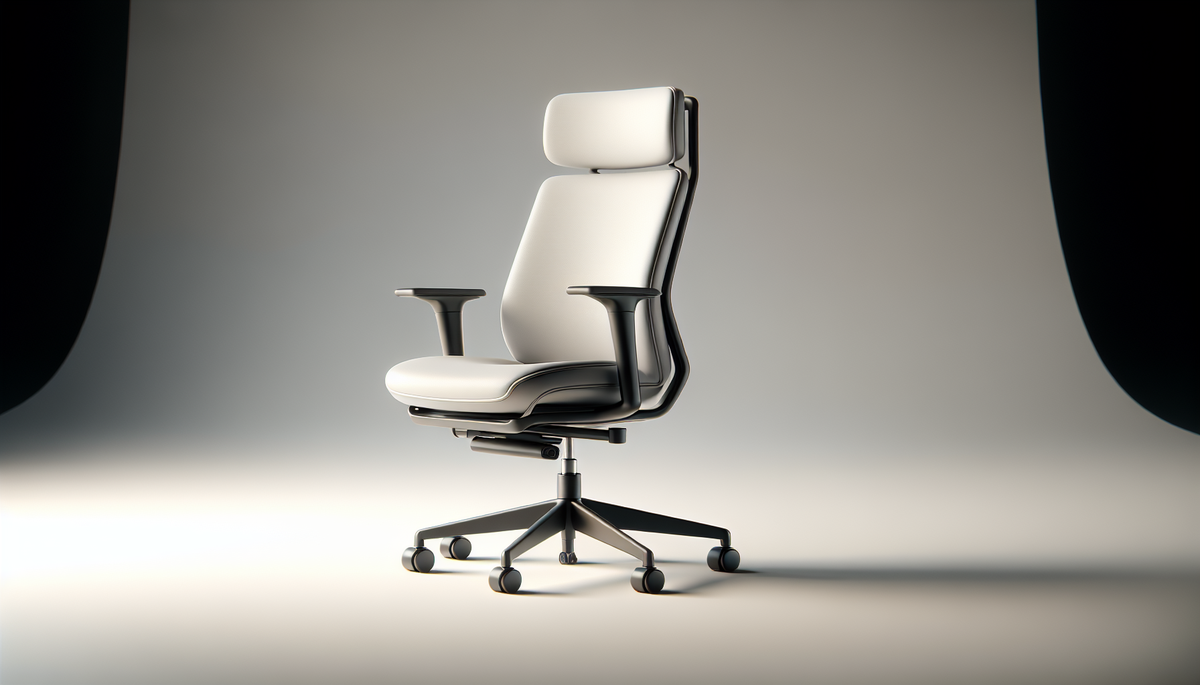
🎨 AI-generated illustration (EU AI Act 2026) — does not represent the actual appearance of the product. See the Amazon listing for official photos.
🔗 Affiliate links: Some links are Amazon affiliate links. As an Amazon Associate, we earn from qualifying purchases at no extra cost to you.
Get our best picks
Every week, our Amazon comparisons directly in your inbox.
No spam. Unsubscribe in 1 click.
Introduction
You spend hours sitting in front of your screen, and you can feel it: a tense neck, lower back strain, shoulders creeping up… An ergonomic office chair is not a luxury, it is a real investment in your comfort and health. The trouble is that there is everything and anything on Amazon, and sometimes you do not know where to start.
In this article, I will simply guide you towards the must-have models and, above all, the criteria that make the difference. The idea is not to sell you “the best chair in the world”, but to help you choose the one that really suits you.
Selection criteria
- Truly useful adjustments: seat height, seat depth, lumbar support and adjustable armrests. If you cannot adjust it properly, the ergonomics remain theoretical.
- Lumbar support: a good backrest should support the natural curve of the lower back. Depending on the model, this may be an integrated shape or an adjustment.
- Recline and tilt mechanism: a chair that rocks slightly helps you move without effort. The backrest should be able to follow your movements.
- Armrest adjustment: this is often the forgotten element. Armrests that are too high or too low can create tension in the shoulders and wrists.
- Comfortable seat: quality foam, a seat that is not too short, and ideally a seat edge that does not compress the back of the thighs.
- Breathability: to avoid the chair sticking to you, a mesh backrest or a well-ventilated fabric can make a big difference.
- Stability and build quality: a solid base, castors that grip well, and mechanisms that do not squeak after a few weeks.
- Suitability for your body shape: height, weight, torso length… An ergonomic chair should adapt to you, not the other way round.
Benefits
A good ergonomic chair changes everything… especially day to day. First, you reduce the aches linked to poor posture. Lumbar support helps you maintain a more neutral posture, and the recline lets you vary your support points instead of staying fixed in one position.
Then, you gain comfort over time. A well-designed seat reduces pressure on the legs and lower back. And if the backrest is breathable, you stay more comfortable even when the day drags on.
Another often underestimated point: the armrests. When they are adjustable, your shoulders can relax. You can work for longer without unconsciously “holding yourself up”. The result: you concentrate more, and you feel less tired.
Finally, a well-chosen ergonomic chair also means a better experience in the office, at home, or when working remotely. Whether you are in intensive mode all day or using it more occasionally, you benefit from healthier comfort.
Must-have models to consider
Here are the types of chairs that come up most often when looking for serious ergonomics. I will also give you the “good habits” for choosing within each category.
1) Chairs with a mesh backrest and adjustable lumbar support
Ideal if you tend to get hot or if you want a backrest that breathes. Mesh often follows the back better, and models with lumbar adjustment allow you to fine-tune the support point precisely.
2) Chairs with 3D or height-adjustable armrests
If you work a lot on a keyboard and mouse, this is essential. Adjustable armrests help you position your arms at a comfortable height, which relieves the shoulders and upper back.
3) Chairs with a synchronised tilt mechanism
For those who like to move while still sitting “properly”. Synchronised tilt generally follows the movement of the back better and reduces the feeling of being stuck.
4) Chairs with depth-adjustable seats
If your body shape does not match the average, this adjustment can be a real game changer. A seat that is too deep or too short can quickly tire the thighs.
5) More “premium” chairs focused on long-lasting comfort
Some ranges focus on denser foam, better finishing and finer adjustments. If you spend several hours a day at your desk, it may be worth opting for a more robust version.
FAQ
Q1: How do I know if a chair is really ergonomic?
Look at the adjustments: seat height, lumbar support, armrests and recline. An “ergonomic” chair without useful adjustments will not work miracles. The best option is to be able to adjust it so you can find a comfortable, stable posture.
Q2: Which material should I choose for the backrest?
If you tend to sweat or overheat quickly, a mesh backrest is often more pleasant. If you prefer a more enveloping backrest, some fabrics or padded backrests may suit you, provided they remain breathable.
Q3: Can an ergonomic chair suit everyone?
Not exactly. The key is matching it to your body shape. A chair with several adjustments (and a good adjustment range) is more likely to suit you, even if you are very tall, very short, or have a particular build.
Conclusion
Choosing an ergonomic office chair is not just a question of style or price. The real criterion is how well your posture matches the chair’s adjustments. If you start with a good foundation (lumbar support, adjustable armrests, a comfortable seat, a breathable backrest), you will notice the difference quickly.
Now it is over to you: identify the models that offer the adjustments that really matter to you, compare the options, and above all aim for long-term comfort. A good chair is one that lets you work without constantly reminding you that you are sitting down.