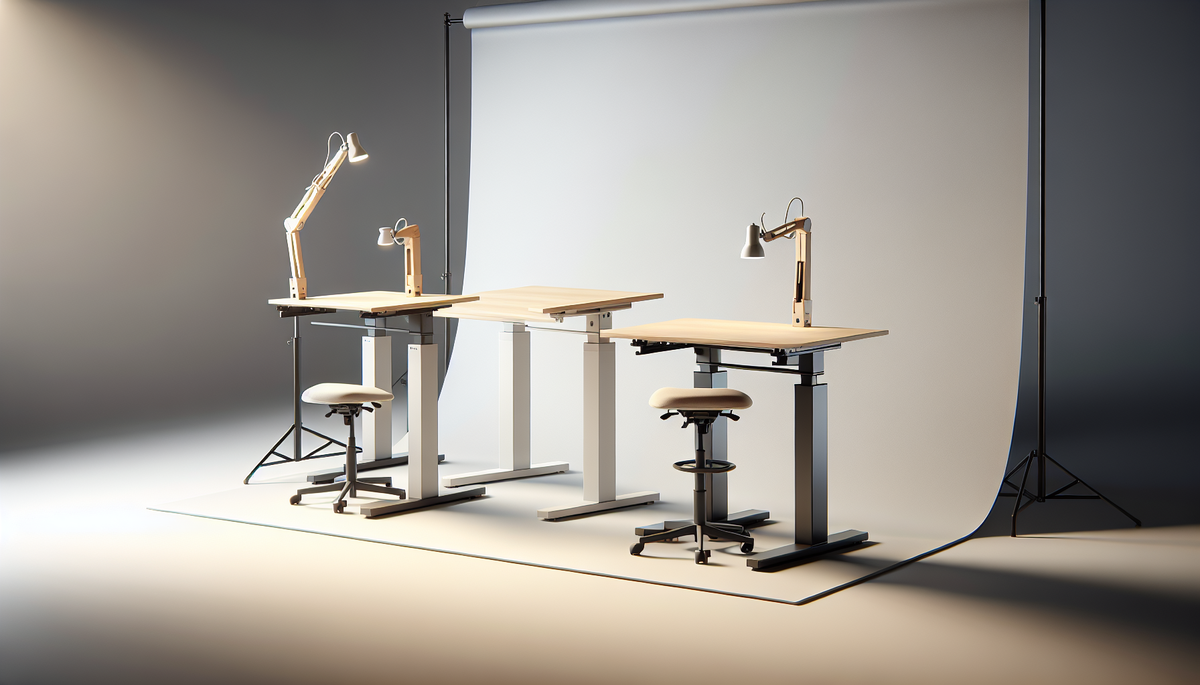
🎨 AI-generated illustration (EU AI Act 2026) — does not represent the actual appearance of the product. See the Amazon listing for official photos.
🔗 Affiliate links : Some links on this page are Amazon affiliate links. As an Amazon Associate, we earn from qualifying purchases.
Get our best picks
Every week, our Amazon comparisons directly in your inbox.
No spam. Unsubscribe in 1 click.
Introduction
You work from home, you switch between an armchair and the couch… or you spend your days sitting in front of a screen. If you feel like your body “doesn’t like” staying still for too long, a standing desk can really make a difference. And the good news is: you don’t need a complicated model to get real everyday benefits.
In this article, I’m offering you a top 3 of must-have standing desks, designed for different uses. The idea isn’t to sell you the “best for everyone,” but rather the right model for your pace, your space, and your budget.
Selection criteria
- Adjustable height (and ease of use): ideally, you should be able to switch from sitting to standing without a struggle. The adjustment should be smooth, precise, and practical.
- Stability: a desk that wobbles as soon as you type is frustrating. Check the sturdiness of the desktop and the mechanism.
- Desktop size: computer, monitor, keyboard, lamp, notebook… You need a comfortable amount of space. If you have two monitors, go bigger.
- Type of adjustment: manual (often simpler and less expensive) or electric (more comfortable if you change positions often).
- Cable management: a bit of organisation avoids the “spiderweb” effect under the desk. It’s more pleasant and tidier.
- Noise: especially if you work in a shared room. A mechanism that’s too loud can quickly become annoying.
- Weight capacity: if you have a heavy monitor or a full setup, make sure the desk can handle it without sagging.
Benefits
A standing desk isn’t just about “standing up.” It’s mainly about alternating. And that alternation can help distribute the load on your body more evenly. Many people feel less tension in their back, a better sense of posture, and steadier concentration when they change positions regularly.
Another point: a standing desk can also improve the ergonomics of your workstation. For example, you can adjust the height so your screen is at the right level, avoid leaning forward, and keep your shoulders more relaxed.
Finally, it’s a real everyday comfort boost. You can do part of your work standing, another part sitting, and adapt based on your fatigue, the type of task, or even your mood at the moment. Yes, it sounds simple, but it works.
Our essential top 3
1) Electric standing desk with a generous desktop (ideal all-rounder)
If you want a standing desk that’s easy to use every day, an electric model is often the most practical. You press a button, adjust the height, and you’re good to go. It’s especially useful if you switch often between sitting and standing, or if several people use the same desk (memory presets are a big plus).
Why it’s in the top 3: quick adjustment, comfortable to use, good stability when the frame is well designed, and usually a large enough desktop for a standard setup (or more).
2) Sturdy manual standing desk (the smart choice if you want something simple and reliable)
You don’t want an electric system, you want something more straightforward, and you prefer good value for money? A manual standing desk is often an excellent option. Adjustment is done with a crank or lever mechanism, with gradual raising/lowering.
Why it’s in the top 3: fewer parts to manage, often very reliable, and perfect for those who change positions less often (or who don’t need ultra-fast adjustments).
3) Compact standing desk with good cable management (ideal for a small room / minimalist setup)
Not everyone has a huge desk. If your space is limited, a more compact model may be the best choice, as long as it remains stable and the surface is well designed. Some desks also include cable storage solutions, which makes the setup more pleasant.
Why it’s in the top 3: it works well in smaller spaces, keeps things looking neat, and still lets you alternate without sacrificing comfort.
FAQ
Q? How often should you switch to standing?
A: Many people start with short alternations, for example a few dozen minutes standing and then sitting, and adjust based on how they feel. The important thing is not to stay in one position for too long.
Q? Is a standing desk suitable for everyone?
A: Generally yes, but if you have specific pain (knees, lower back, sensitive feet), it’s best to ease into it gradually. Start with short periods and adjust the height to stay comfortable.
Q? How do I choose the right height for my screen and keyboard?
A: In practice, the idea is to keep your torso upright, your shoulders relaxed, and avoid unnecessary movement. Your screen should be at a height that prevents you from leaning forward, and the keyboard should stay in a natural position (often around elbow level).
Conclusion
Choosing a standing desk is a bit like choosing good shoes: it’s not necessarily “the most expensive,” it’s mainly “the one that suits you best.” Between the practical electric model, the reliable manual one, and the well-designed compact option, you’ve got plenty to find something that fits your space and your daily routine.
If you want one simple piece of advice: start gradually, set the height correctly, and prioritise stability. Once you find your rhythm, you’ll quickly notice the difference… and you’ll have a hard time going back.